

Blog
How to Replace the Battery in a Smart-UPS 1000 Rack Mount

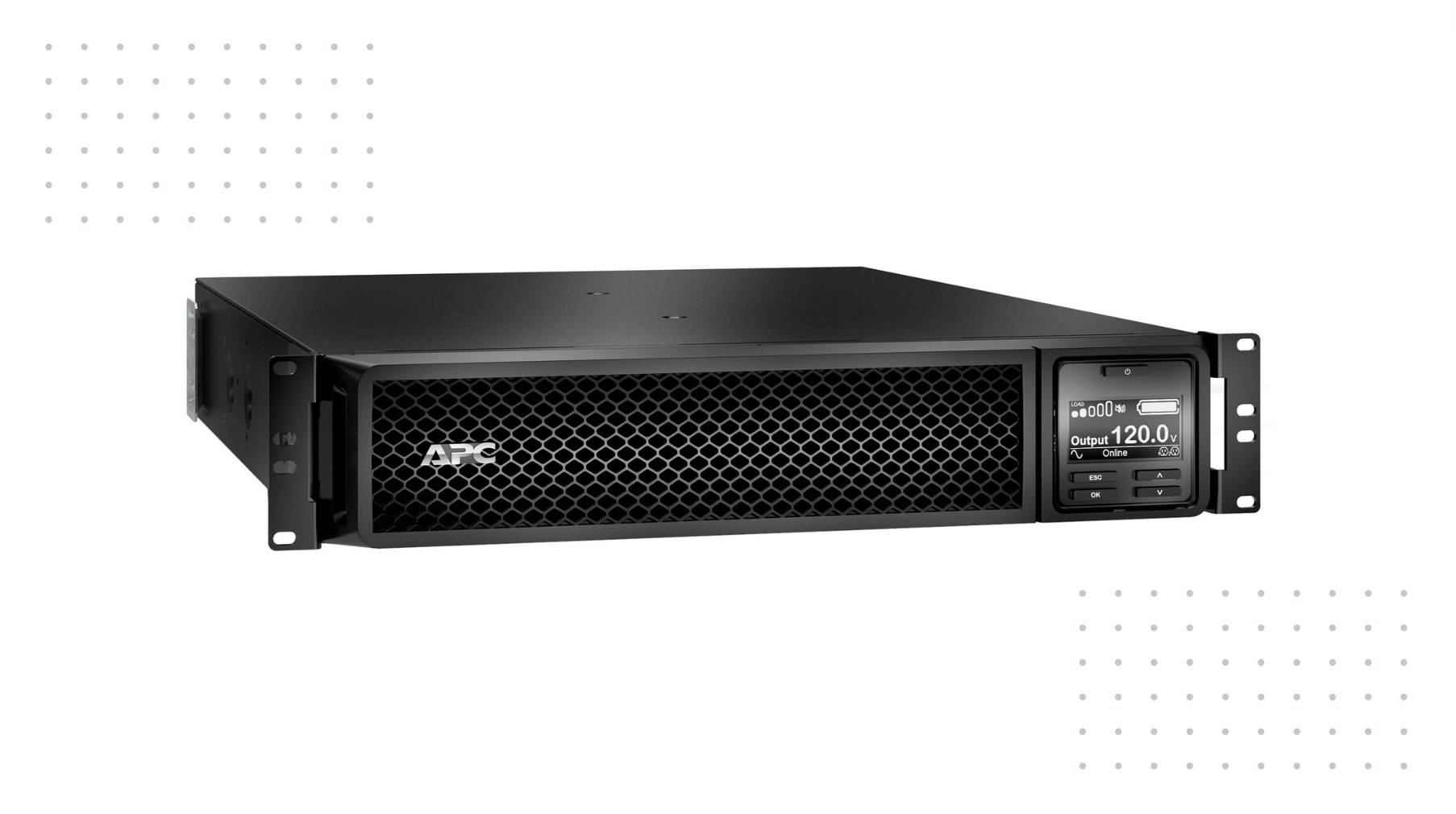
Replacing the battery in a Smart-UPS 1000 Rack Mount is essential for maintaining uninterrupted power supply to your devices. This process can be completed without powering down the unit, ensuring minimal disruption. Follow these steps to ensure a successful battery replacement.
What is the Smart-UPS 1000 Rack Mount?
The Smart-UPS 1000 Rack Mount is an uninterruptible power supply (UPS) designed to provide backup power and surge protection for critical electronic equipment. With features like automatic voltage regulation and a hot-swappable battery design, it ensures that connected devices remain operational during power outages.
How do you prepare for battery replacement in a Smart-UPS 1000?
Before starting the replacement process, gather necessary tools and materials:
- Phillips screwdriver
- Replacement battery cartridge (RBC)
Ensure that you have read the user manual for specific instructions related to your model. It’s also advisable to wear safety gloves to protect against any potential hazards during the process.
| Preparation Checklist | Items Needed |
|---|---|
| Tools | Phillips screwdriver |
| Replacement Parts | New battery cartridge (RBC) |
What are the steps to safely remove the old battery?
To replace the old battery, follow these steps:
- Power Down Equipment: Although the UPS can remain powered on, it’s wise to disconnect any critical devices temporarily.
- Remove Front Panel: Unscrew and remove the front panel of the UPS using a Phillips screwdriver.
- Disconnect Old Battery: Locate the battery connector, pull it out gently, and remove any securing screws holding the old battery in place.
- Take Out Old Battery: Carefully slide out the old battery from its compartment.
How do you install the new battery in a Smart-UPS 1000?
To install the new battery:
- Insert New Battery: Slide the new RBC into the compartment where the old one was located.
- Reconnect Battery Connector: Ensure that you connect the battery securely by pushing the connector back into place.
- Secure with Screws: Replace any screws that were removed during disassembly.
- Replace Front Panel: Reattach and screw in the front panel of your UPS.
| Installation Steps | Description |
|---|---|
| Insert New Battery | Slide new RBC into compartment |
| Reconnect Connector | Ensure secure connection |
| Secure with Screws | Replace all screws removed |
What post-installation tests should be performed?
After installation, it’s crucial to run some tests:
- Self-Test: Press and hold the test button on your UPS for two seconds to initiate a self-test.
- Check Status Indicators: Ensure that all LED indicators show normal operation without alarms or errors.
- Monitor Performance: For several days post-replacement, monitor UPS performance during normal operation.
Why is regular maintenance important for your UPS?
Regular maintenance ensures that your UPS operates efficiently and prolongs its lifespan. This includes checking connections, cleaning dust from vents, and testing batteries periodically to identify potential issues before they lead to failure.
What tools are required for battery replacement?
The primary tool needed for replacing a battery in a Smart-UPS 1000 is a Phillips screwdriver. Depending on your specific model, additional tools may include:
- A flathead screwdriver (for prying open covers)
- Compressed air (for cleaning dust)
| Tool Required | Purpose |
|---|---|
| Phillips Screwdriver | Remove screws |
| Flathead Screwdriver | Prying open covers |
| Compressed Air | Cleaning dust from inside |
How can you troubleshoot battery issues in a Smart-UPS?
If you experience issues with your UPS after replacing the battery:
- Check Connections: Ensure all connections are tight and secure.
- Run Diagnostics: Use built-in diagnostic tools available on some models to check battery health.
- Inspect Environment: Ensure that temperature and humidity levels are within recommended ranges as extreme conditions can affect performance.
Industrial News
Recent advancements in UPS technology have focused on enhancing energy efficiency and integrating smart monitoring features into systems like the Smart-UPS series by APC. These innovations allow users to track performance metrics remotely, ensuring better management of power resources and proactive maintenance alerts.
Redway Power Expert Views
“Replacing batteries in UPS systems like the Smart-UPS 1000 is straightforward but requires attention to detail,” states an expert from Redway Power. “Regular maintenance not only extends battery life but also ensures reliability during critical power failures.”
FAQ Section
Q1: How often should I replace my Smart-UPS battery?
A1: Typically, batteries should be replaced every 3 to 5 years depending on usage and environmental conditions.Q2: Can I replace my UPS battery while it’s still powered on?
A2: Yes, most modern UPS systems allow hot-swapping of batteries without powering down.Q3: What should I do with old batteries?
A3: Dispose of old batteries at designated recycling centers to ensure environmentally safe disposal.