Blog
How Can You Prevent Pokémon GO from Draining Your Battery?

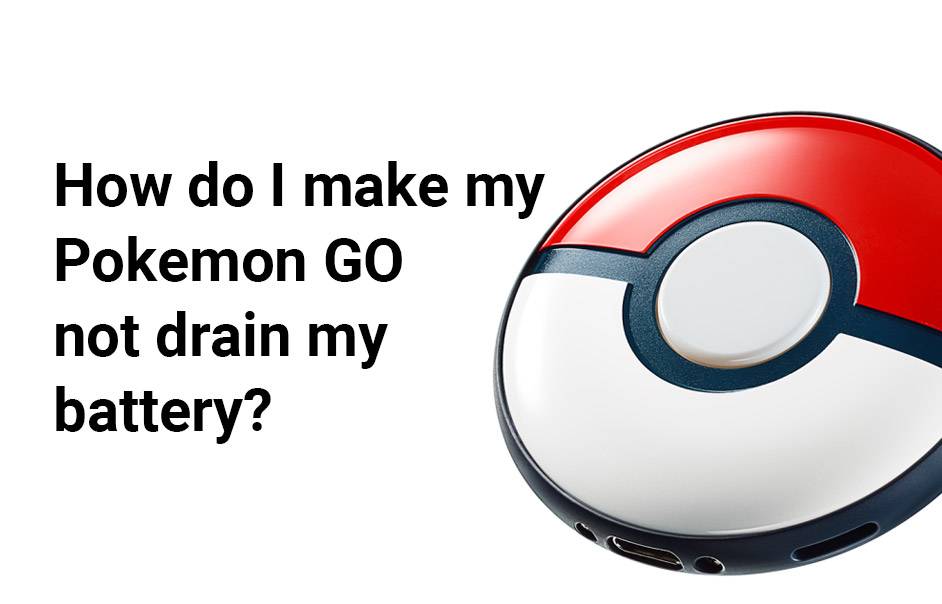
To prevent Pokémon GO from draining your battery, implement several effective strategies such as enabling battery saver mode, turning off AR features, adjusting brightness settings, and using a portable charger. These methods can significantly extend your gameplay time without needing to recharge frequently.
How Can You Save Battery While Playing Pokémon GO?
Saving battery while playing Pokémon GO involves a combination of settings adjustments and gameplay strategies. By utilizing the built-in battery saver mode, reducing screen brightness, and minimizing background app activity, players can enjoy longer sessions without the constant worry of battery drain.
| Method | Description |
|---|---|
| Enable Battery Saver Mode | Reduces screen usage when walking and alerts you of nearby Pokémon. |
| Adjust Brightness | Lowering the screen brightness can conserve battery life significantly. |
| Close Background Apps | Prevents unnecessary battery usage by apps running in the background. |
What Is Pokémon GO’s Battery Saver Mode?
Pokémon GO features a battery saver mode that helps reduce power consumption during gameplay. When activated, this mode dims the screen when the phone is held upside down, allowing players to continue receiving notifications about nearby Pokémon without using excessive battery power.
Why Should You Turn Off AR Mode?
Turning off AR mode can greatly enhance battery efficiency while playing Pokémon GO. The augmented reality feature requires constant use of the camera, which significantly drains the battery. By disabling it, players can conserve energy and still enjoy catching Pokémon in a more traditional format.
When Should You Adjust Your Screen Brightness?
Adjusting your screen brightness is crucial for saving battery life in bright outdoor conditions. Consider lowering your brightness when playing indoors or during cloudy weather to reduce power consumption without compromising visibility.
Where Can You Find Offline Maps for Pokémon GO?
Downloading offline maps can potentially save battery life while hunting for Pokémon. By preloading maps through Google Maps, players can navigate areas without constantly using data or GPS, which can drain their device’s battery.
Are There Benefits to Using a Portable Charger?
Investing in a portable charger is an excellent way to ensure extended gameplay sessions without worrying about running out of battery. Many affordable options are available that allow players to charge their devices on the go, ensuring they never miss a chance to catch rare Pokémon.
Can Disabling Wi-Fi and Bluetooth Help Save Battery?
Yes, disabling Wi-Fi and Bluetooth when not in use can significantly reduce battery drain. These features consume power by constantly searching for connections, so turning them off while playing Pokémon GO can help conserve energy.
What Other Tips Can Help Reduce Battery Drain?
Additional tips for reducing battery drain while playing include turning off sound effects and music within the game settings, utilizing low power modes on your device, and minimizing interactions with non-essential features like Gyms or PokéStops unless necessary.Expert Views
“Players should be proactive about managing their device settings while enjoying Pokémon GO. Simple adjustments like enabling battery saver mode and turning off AR can lead to a much more enjoyable experience without frequent interruptions due to low battery.” – Gaming Expert
Conclusion
By implementing these strategies—such as enabling battery saver mode, adjusting screen brightness, and utilizing portable chargers—you can significantly reduce the battery drain caused by Pokémon GO. These tips will not only enhance your gaming experience but also ensure that you have enough power for those critical moments during your adventures.
FAQ Section
- How do I enable battery saver mode in Pokémon GO?
To enable battery saver mode, tap the PokéBall icon, go to Settings, and select the empty circle next to Battery Saver. - Does turning off AR mode really save battery?
Yes, turning off AR mode saves significant battery life as it stops using the camera continuously. - What is the best way to adjust my phone’s brightness?
Lower your screen brightness manually through your phone settings or use the quick settings menu for immediate adjustments. - Can offline maps help with data usage?
Yes, downloading offline maps reduces data usage by allowing you to navigate without relying on constant GPS signals. - Is it worth investing in a portable charger?
Absolutely! A portable charger ensures you have extra power available during long gaming sessions without needing to find an outlet.
LOW Battery FIX for Pokémon Go!